There is always a point when the marketing team has questions about a specific group of players. How did the high-value players from the Black Friday campaign behave? What do players who churned after a single deposit have in common? Which affiliate is sending players who actually stick around?
Until now, working around these questions meant juggling through different reports, adding multiple filters and maybe also using different tools. This is why Affnook has come up with a cohort builder feature that connects to the cohort report and lets you define your segment and also save it for the next time.
What is a Cohort Builder?
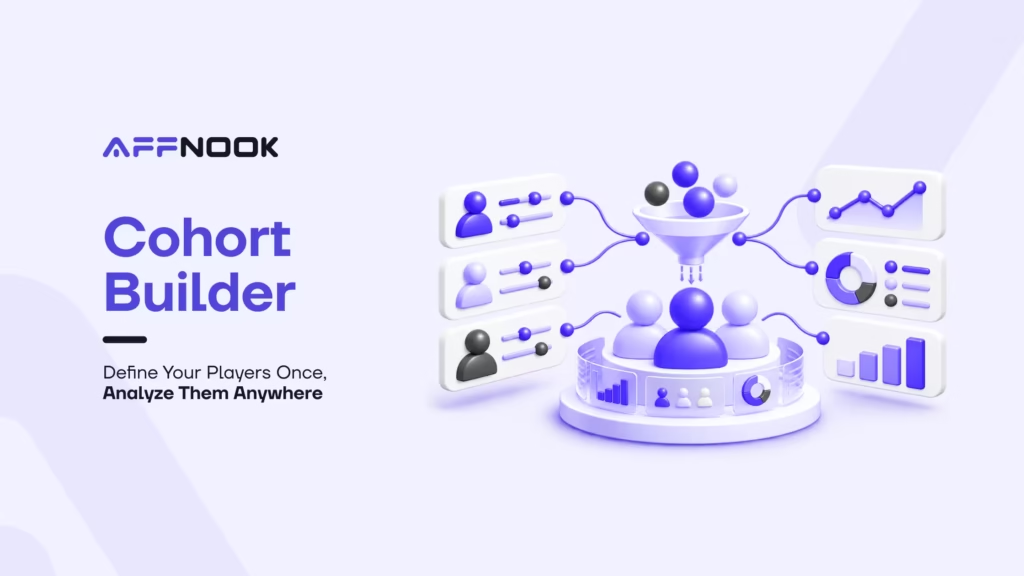
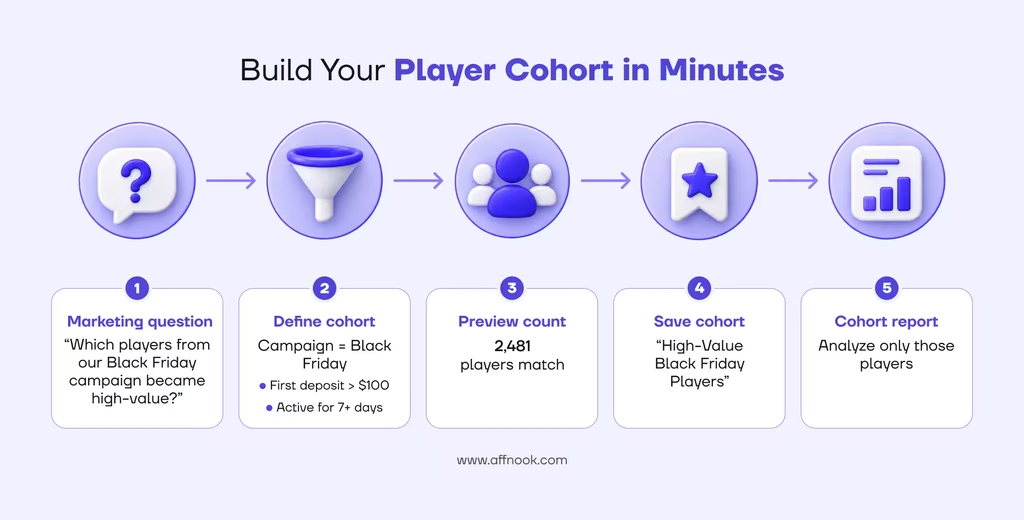
Cohort builder lets operators, iGaming brands, and networks create named, reusable groups of players based on rules that they choose. A cohort is simply a name plus a set of rules.
For example: Players from the Champions League campaign who deposited over $100 in their first week
Once it is saved, it can be conveniently used whenever required.
Build Segments in Accordance with the Players
Rules can be combined across three areas –
- Who the player is – Their country, brand, registration source, affiliate, iGaming campaign, coupon.
- What the player did – Deposited, bet, lost, or won more than a set amount, placed at least N bets, was active on at least N days, all within a time window you pick.
- What happened – Registered between two dates, or made a first deposit within N days of registering.
Note that rules are joined with “AND” by default. If you want more flexibility, you can group them into “OR” blocks such as Affiliate = Partner A OR Affiliate = Partner B. These groups can be further combined with other conditions.
Know Your Segments Before Saving Them
Understanding whether a cohort is too narrow or too broad is not guesswork anymore. Click on “Preview Count” while you build and you will instantly see the estimated number of players matching your rules. It’s a quick way to confirm your segment isn’t empty and is sensibly sized before you commit.
Plug it into Your Reports
Once saved, your cohort appears in the dropdown on the “Cohort Report”. Select it, and the report runs scoped to only those players. Support for more reports will follow.
If you also apply manual report filters, both are applied together, narrowing your results further. We make this clear in the UI so there are no surprises.
Updated Segmentations
A cohort stores your rules, not a frozen list of players. Every time you run a report, Affnook re-evaluates who matches. Your cohorts stay up to date automatically as players register, deposit, and play, with no manual refreshing. Because we don’t copy player data around, your cohorts stay lightweight.
Share With Your Team
Cohort definitions can be shared across users in the same organization, so your analyst’s carefully built “high-value Black Friday players” segment can be used by the whole team instead of having to build it again from scratch.
Access here is role-based –
| Role | What they can do |
| Admin | Create, edit, delete, and view all cohorts in the org |
| Brand | Create, edit, and view cohorts for their own brand |
| Sub-admin | Create, edit, and view cohorts (no deletion) |
With the help of this, the data stays in the organization. Cohorts only read your own org’s players, and brand users only see their own brand’s cohorts.
Reliability and Data Integrity
- Renaming is safe – Reports refer the cohorts through IDs. Hence, renaming a cohort does not break the report that uses it.
- Deleted cohorts are evident – If a report points to a cohort that’s been removed, you’ll see a clear “no longer available” message instead of a quietly unfiltered report.
- Empty cohorts are allowed – If no players match yet, they can still be saved and reports return an empty result rather than an error.
- Clear guardrails – Cohort names must be unique within your org, and rule complexity and time windows must have sensible limits to keep everything fast.
Get started
- Open the Cohorts page and click New Cohort.
- Name it and add your rules, grouping with AND/OR as needed.
- Click Preview count to sanity-check the size.
- Save, then pick it from the dropdown on your Cohort Report.
Cohort builder is available to brands and platforms that have the feature enabled. If you don’t see it yet, reach out to your Affnook contact.
Conclusion
Affnook builds tools that help iGaming brands, operators, and networks understand their players and grow their affiliate programs with confidence. Cohort builder is a step in that direction.
Once the concerned player is properly defined, check the size of the segment before you save it, and run your Cohort Report against exactly that group. Your cohorts stay current on their own, and your whole team can use them. Whether you’re studying a campaign, an affiliate’s traffic, or players who dropped off after one deposit, you can get to the answer faster.